Does the software do takeoffs?
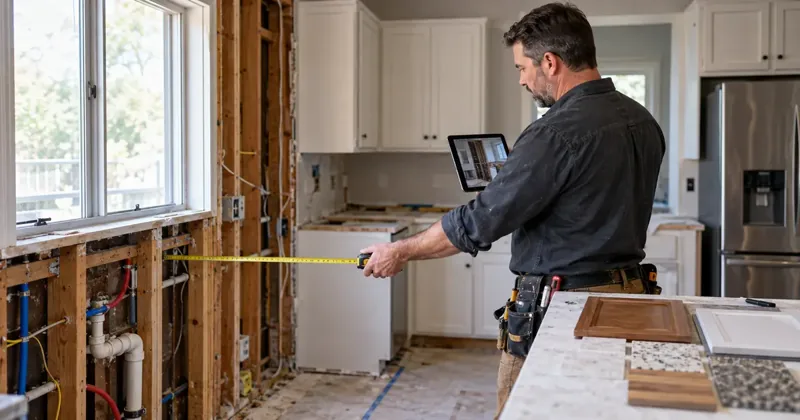
Yes. Upload your blueprints and BuildVecta prepares a material takeoff with quantities organized by trade. Review and adjust the quantities, then use them to prepare estimates and request pricing from contractors and suppliers.
Does the software fill out permit paperwork?
Yes. BuildVecta uses your saved project and contact information to fill supported permit application forms. It also keeps required documents, corrections and inspections organized with the job. Review the paperwork, complete any remaining fields and add required signatures before submission.
Does the software send bid requests to contractors?
Yes. Choose your contractors and suppliers, and BuildVecta sends bid requests with the project scope, plans and response deadline. When bids come in, it helps you compare pricing, included work and exclusions so you can compare apples to apples and make sure the bid covers what you need.
Does the software have a design portal for customer decisions?
Yes. The design portal keeps customer selections, inspiration photos, product details and approvals together. Customers can choose finishes and materials, and you can track decisions and compare selection costs with allowances to keep the job moving and the budget current.
Does the software create my budget and monthly bank draw requests?
Yes. BuildVecta creates an editable starting budget using your job details, ZIP code and local labor and material costs. It then uses your schedule and accepted contractor bids to plan monthly bank draws, showing how much funding is needed and which work and contractors it covers. You can prepare a draw-request email for your review before sending it to your lender. This keeps your budget, construction schedule and funding requests connected, saves paperwork and helps you plan funds for upcoming work.
How can BuildVecta help me get more contractor jobs?
BuildVecta creates and posts your marketing using your services, work photos and service area. Inquiries enter your lead pipeline, configured software phone answering can capture calls while you work, and email follow-up keeps leads and approved bids moving toward a customer decision. Optional Google and Meta ads use a separate approved budget. Jobs and lead volume are not guaranteed.
Is the contractor marketing done for me?
Yes. Your subscription includes 30 Facebook and Instagram posts created and posted for you, a lead-capture landing page, and configured email follow-up. Setup and training are included. You connect your accounts, choose your settings and approve final bids and optional advertising spend.
Who is BuildVecta for?
BuildVecta is for builders, remodelers and general contractors. Choose one of these company types during setup to tailor your marketing and residential construction workflow.
How much setup do I have to do?
Human setup, live training and support are included. You connect your business’s social, ad and calendar accounts and choose your settings. The software then carries out configured posting and email follow-up.
Can I review bids and advertising costs?
Yes. Preliminary bids are editable, and you approve final scope, quantities, markup and pricing before sending. You also choose your advertising budget. Ad spend is separate from the subscription.
What does the free trial include?
The trial lasts 3 days and includes one takeoff. Continue for $297/month, or cancel before the trial ends to avoid a charge. Optional add-ons, advertising and gifts cost extra. Free videos and text messaging are not included in the trial.
What happens to my existing jobs and data when I switch?
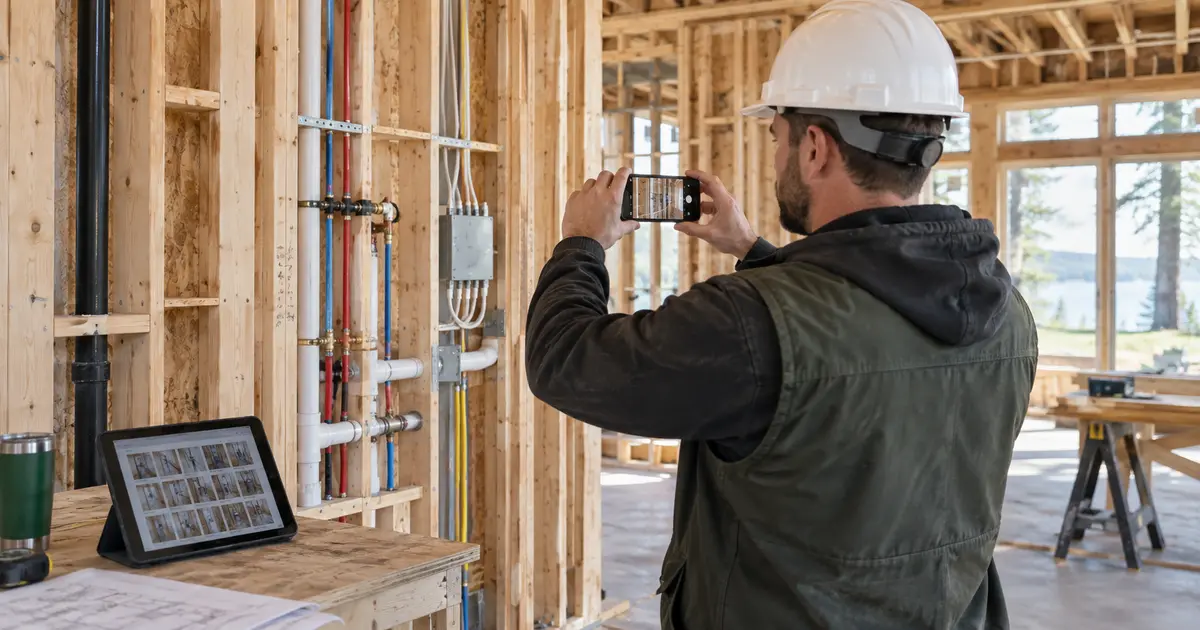
Keep an export of your jobs and files before leaving your current software. In BuildVecta, create a job workspace and upload that job’s plans, photos and documents. Finish catalogs can be imported from a Buildertrend Excel export or a CSV/TSV file: match the columns, review the preview and connect cost codes to budget lines. This does not sync your old account or transfer its attachments, schedules or payment history. Use the included live setup session to review what you can bring over before canceling your other subscription.
How long does setup actually take?
Allow about 5 minutes for the company details in the setup guide, then connect your social and calendar accounts and choose your settings. Account permissions and imported files can take longer. Human setup, live training and support are included, so you can walk through your first job with a real person instead of figuring it out alone.